
Add-in for SOLIDWORKS 2023+ · stop leaving SOLIDWORKS
Textures and patterns on curved faces, as SOLIDWORKS features.
Knurls, leather grain, vent holes, text and logos, smooth G2 fills: what you used to build in Rhino, Grasshopper or Blender, or not at all. Exact NURBS in your feature tree, rebuilt when the part changes.
One-time purchase from €59 plus VAT · no subscription · no account, no email address
- Exact NURBS. Normal SOLIDWORKS geometry for manufacturing, 3D printing and moulds. Never a mesh body.
- Fully parametric. Every result is a feature you can edit. Change an input or the part, and it rebuilds, seams included.
- Your files stay yours. Parts rebuild without a licence and without a connection, also after the trial.
What do you want to make?
Jobs that take a workaround in SOLIDWORKS, or another program. With the suite each one is a single feature in your part; the how-to shows the steps. New to the tools? The video tutorials show each one step by step, with the parts to follow along.
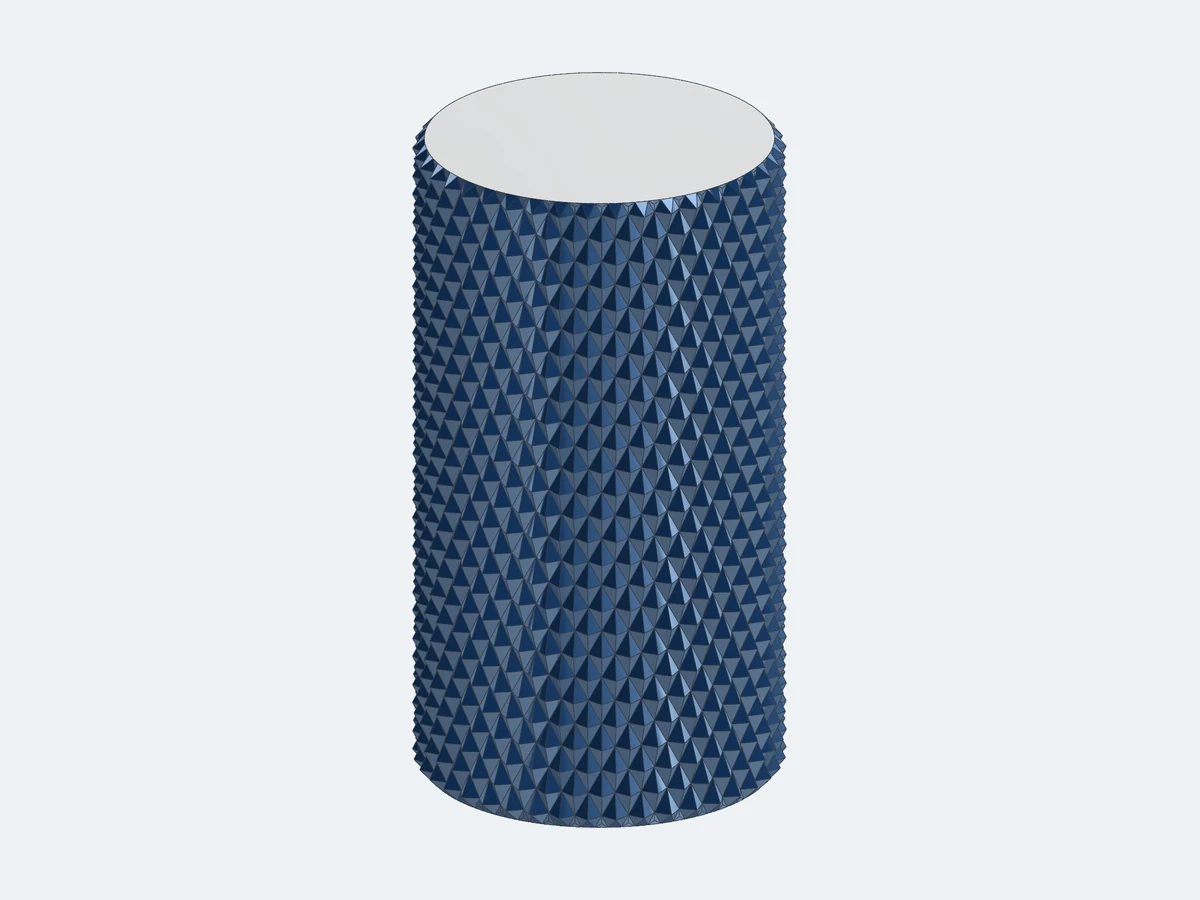
 Geometric SurfaceA knurl around a curved gripIn SOLIDWORKS: No knurl command: helical sweep cuts patterned around, slow to rebuild and failing on tapered or curved grips.With Geometric Surface: One feature on any faces, with sharp diamonds.How-to →
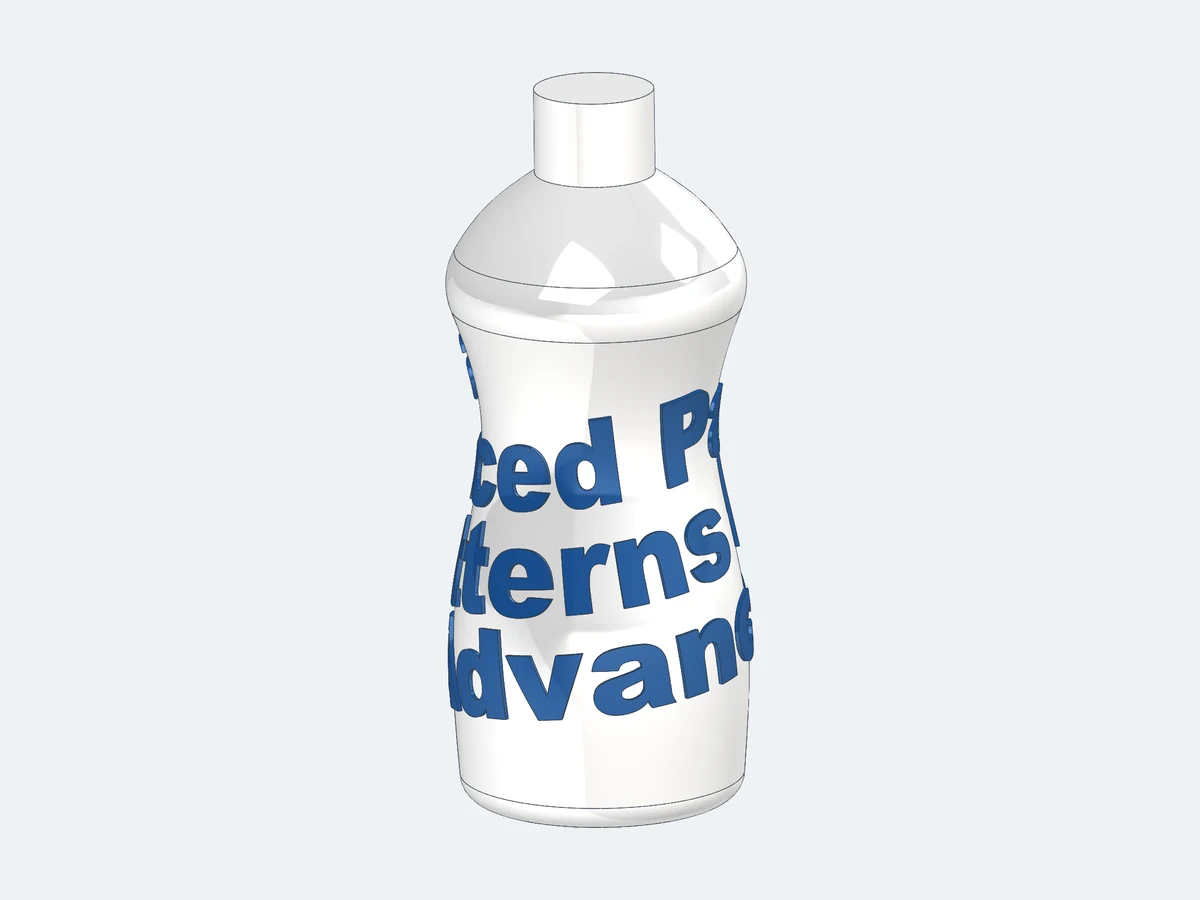
 Pattern MapperText and logos on a doubly curved faceIn SOLIDWORKS: Wrap takes one face and distorts the text, or refuses, where the face curves both ways.With Pattern Mapper: Embossed, debossed or split across several faces and sharp edges.How-to →
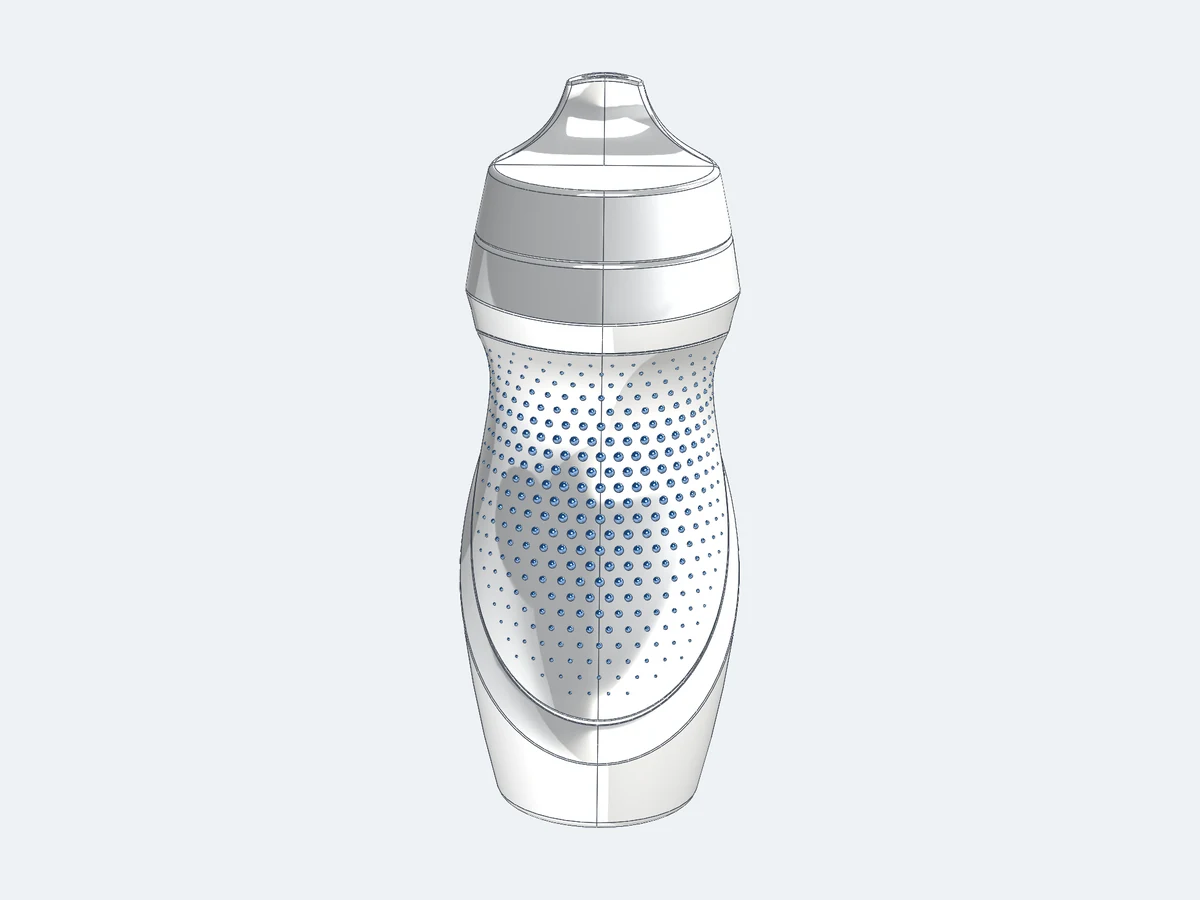 Pattern BodiesDimples on a freeform face that fade to the edgesIn SOLIDWORKS: Sketch and curve driven patterns place them one by one, tilt some on curved faces, and give every one the same size.With Pattern Bodies: Spheres, cones or your own body, normal to the face, shrinking towards the edges.How-to →
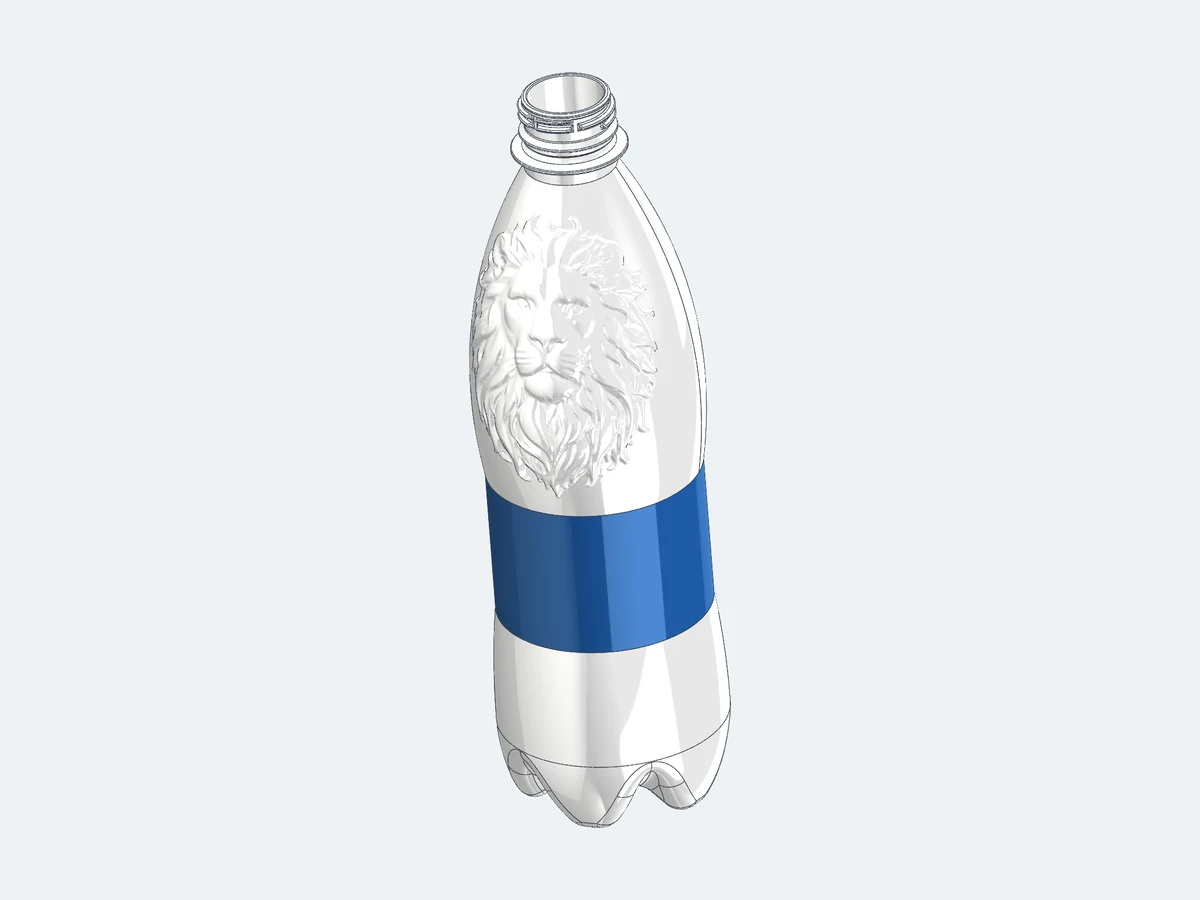
 Surface DisplaceAn image relief that stays a real solidIn SOLIDWORKS: 3D Texture, like Blender or Rhino, gives a mesh body that will not export as a clean STEP.With Surface Displace: NURBS faces from a grayscale image: a normal solid.How-to →
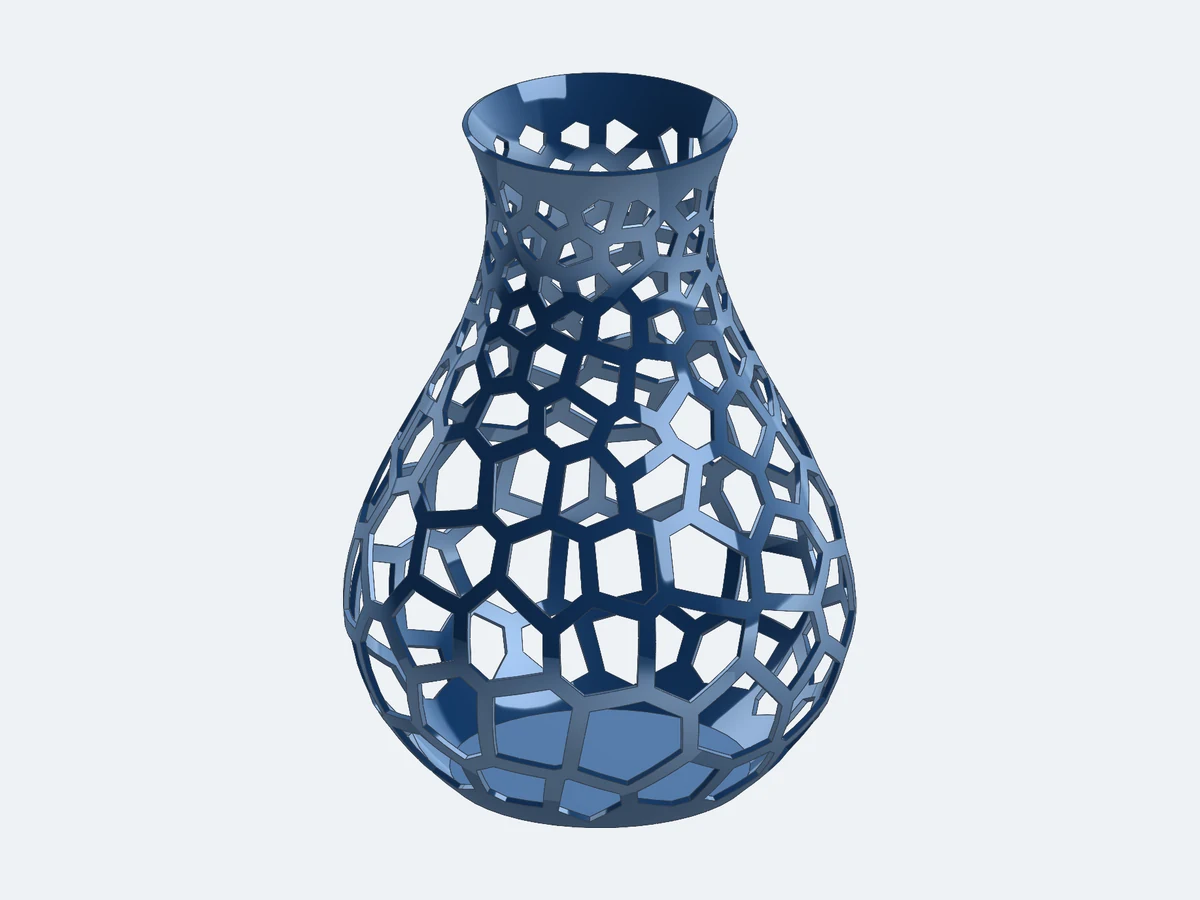 Pattern MapperA Voronoi grille on a vaseIn SOLIDWORKS: No Voronoi tool: curves from Grasshopper or a website, then hard to put on a curved part.With Pattern Mapper: Cells laid out on the faces themselves, with a constant web.How-to →
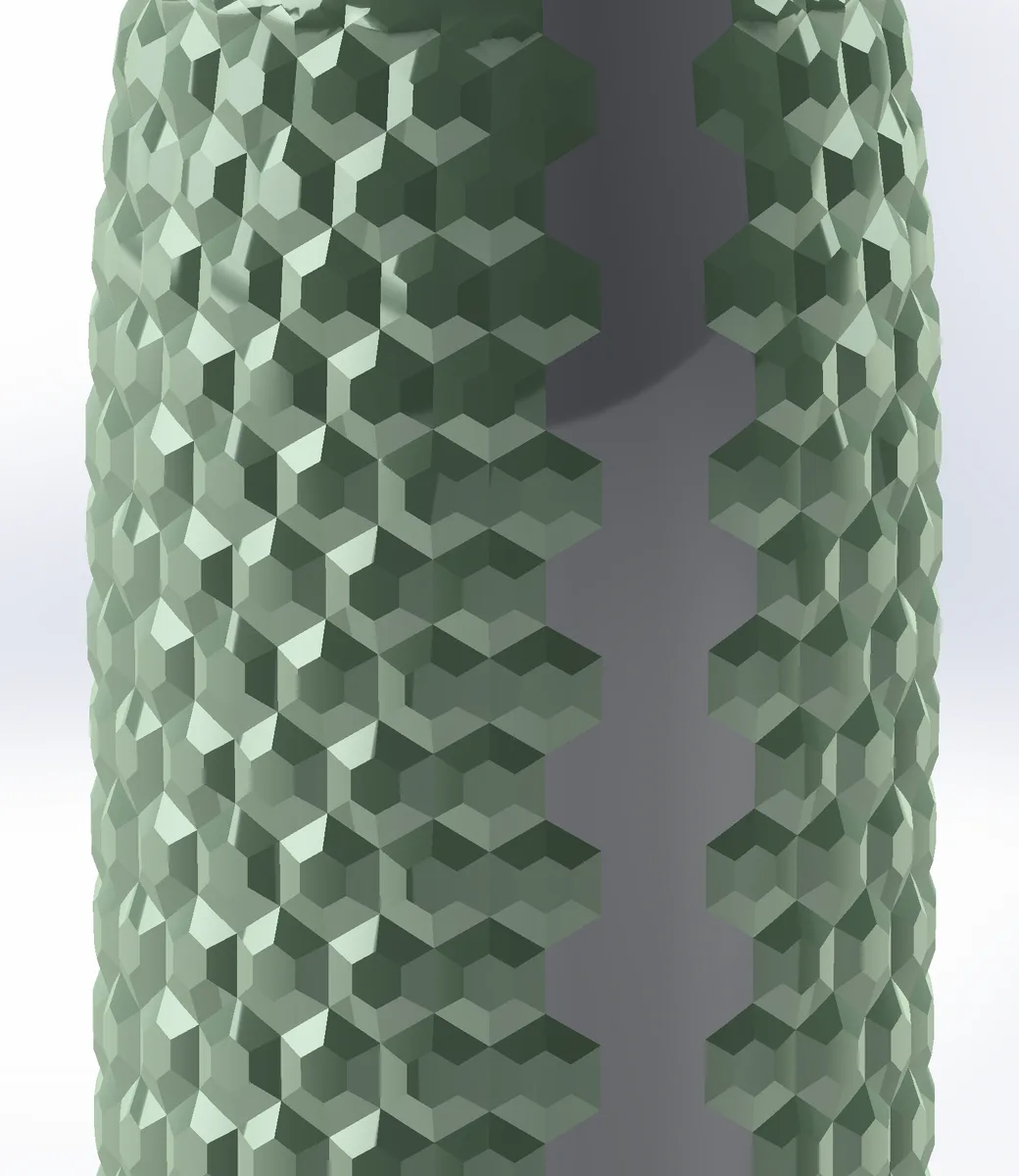 Pattern MapperA texture that still comes out of the mouldIn SOLIDWORKS: A relief along the surface normal undercuts next to the parting line, and Draft cannot fix hundreds of faces.With Pattern Mapper: Pull directions and draft built in, undercuts measured on the result.How-to →
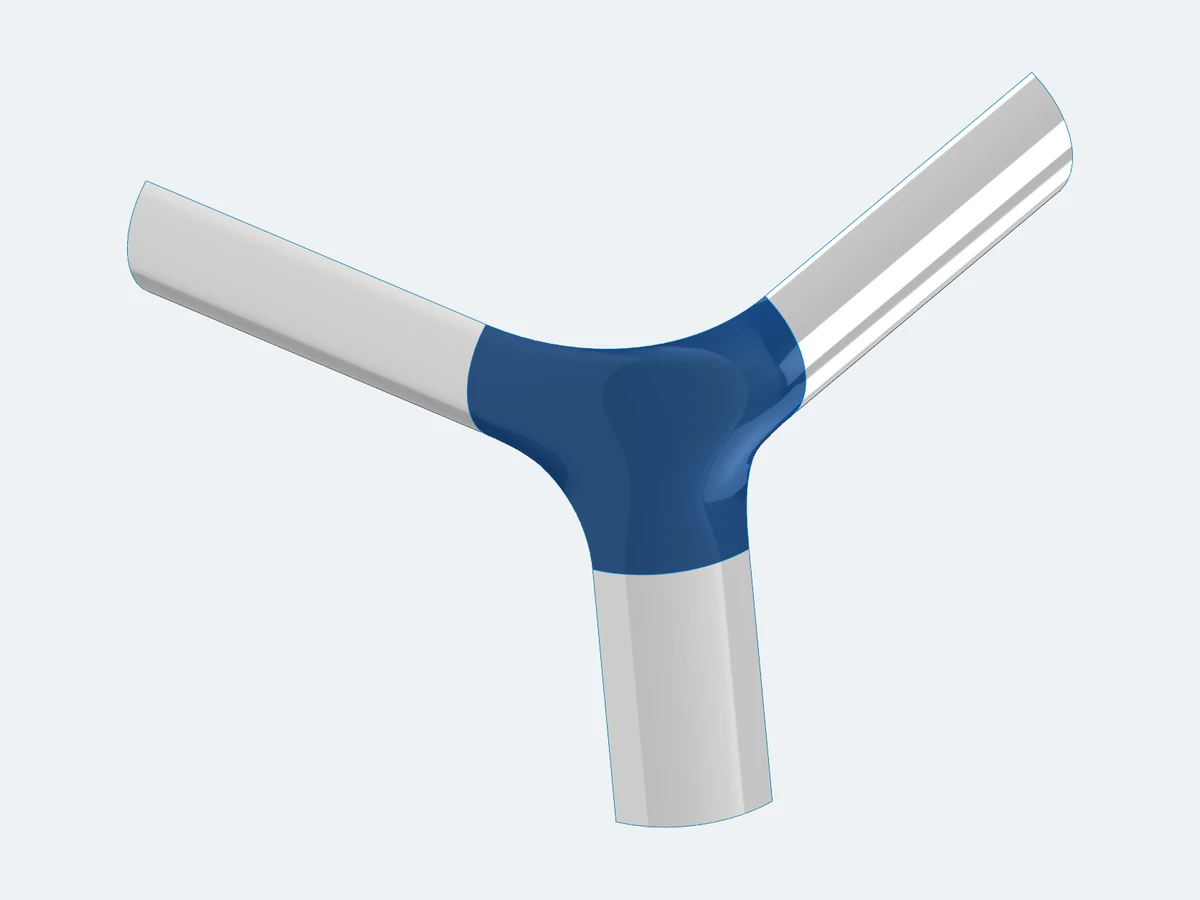
 Advanced SurfaceOne smooth patch between separate surfacesIn SOLIDWORKS: Filled Surface needs a closed boundary and refuses separate edges; a loft bridges only two.With Advanced Surface: Tangent or curvature-continuous to every edge, the gaps as free edges.How-to →
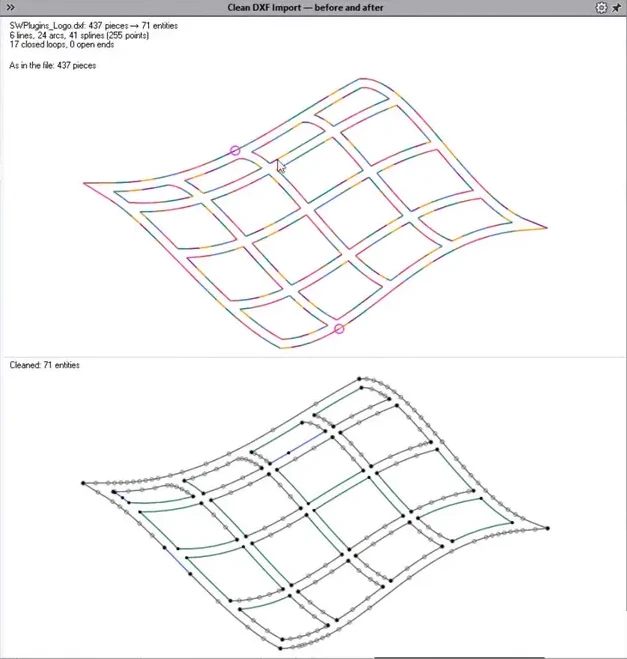
 Clean DXF ImportA logo DXF that extrudes first timeIn SOLIDWORKS: Hundreds of short lines with tiny gaps: a slow sketch that will not extrude.With Clean DXF Import: Joined into whole lines, arcs and splines, gaps closed, before it becomes a sketch.How-to →
Three modules. One add-in.
One installer, one tab in the CommandManager. The 14-day trial unlocks everything; a licence key unlocks the module you bought, or all of them.
Advanced Patterns
 4 tools
Patterns, text and textures on curved and closed faces. SOLIDWORKS patterns a flat face well; on a bottle, a grip or a cap it gets hard.
See Patterns →Advanced Surfacing
 6 tools
Close, flatten and check surfaces: the hole that will not fill smoothly, the fillet corner, the join you can only judge by eye.
See Surfacing →Advanced Sketching
 4 tools
Sketch shapes SOLIDWORKS makes tedious: a dozen in-between curves that must follow two sources, a squircle, a lens.
See Sketching →SWPlugins Suite
 15 tools
All three modules in one licence, every module we add later, and all updates.
Every tool aboveRender Export includedPricing →
Render Export

The part as FBX or glTF with its appearances and clean UV maps, in every installation, without a key and also after the trial.
See Render Export →Command map
You know it from Rhino. Now it is a SOLIDWORKS feature.
Find the command you would reach for elsewhere. The tool beside it does that job inside your part, without an export and an import.
The commands named are the nearest equivalents, not identical tools. Product names are trademarks of their owners.
Real parts, real SOLIDWORKS geometry.
The whole gallery →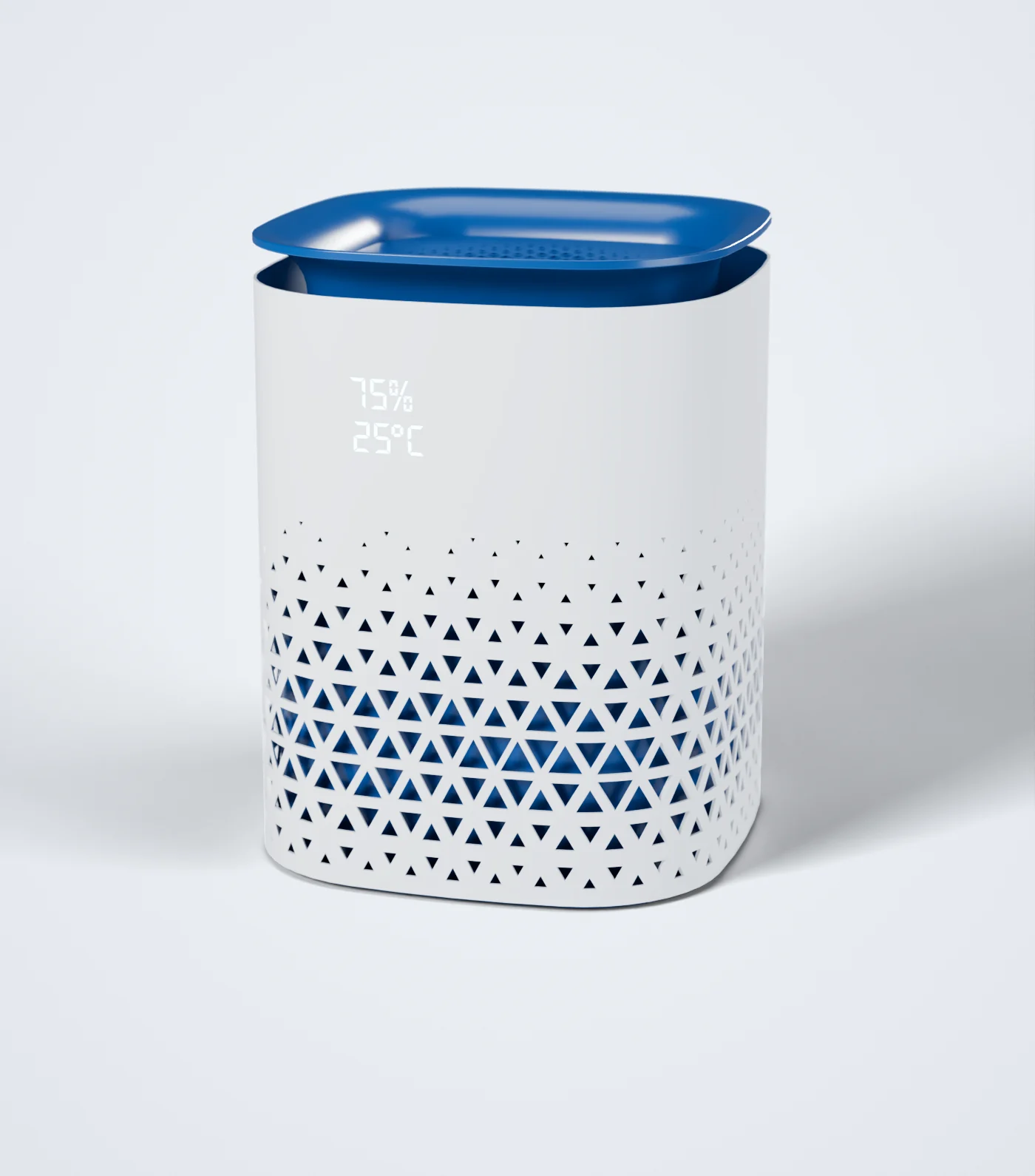
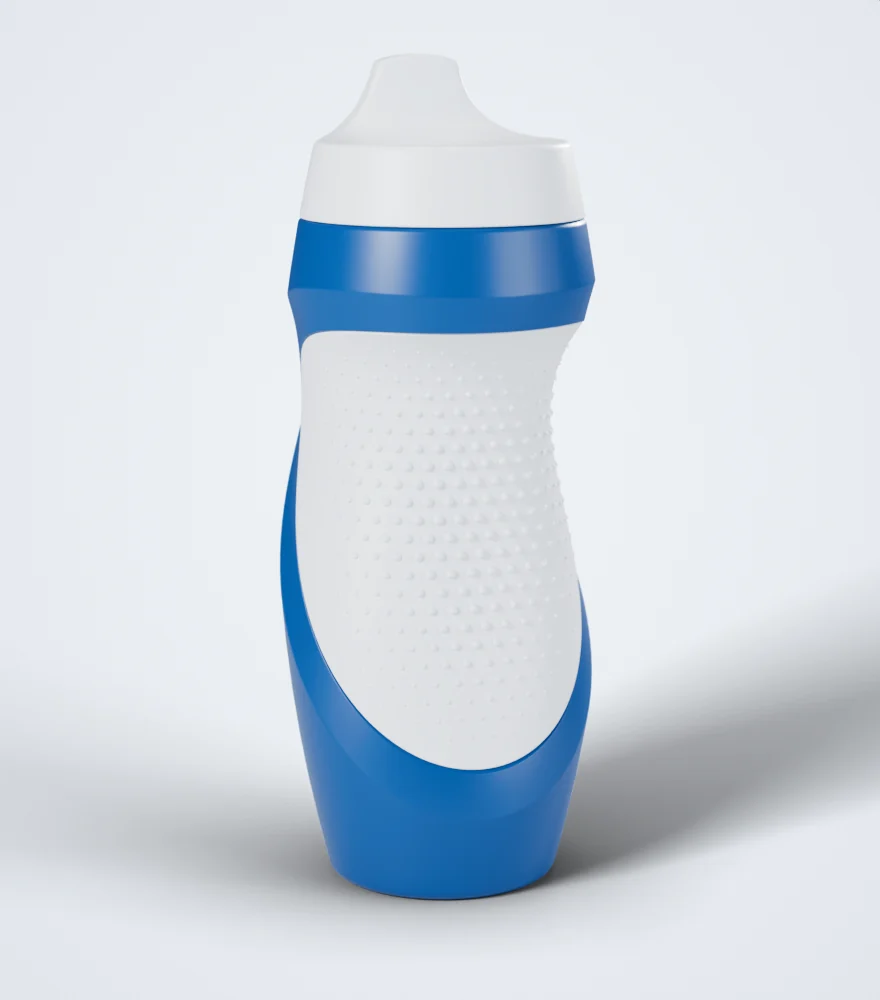
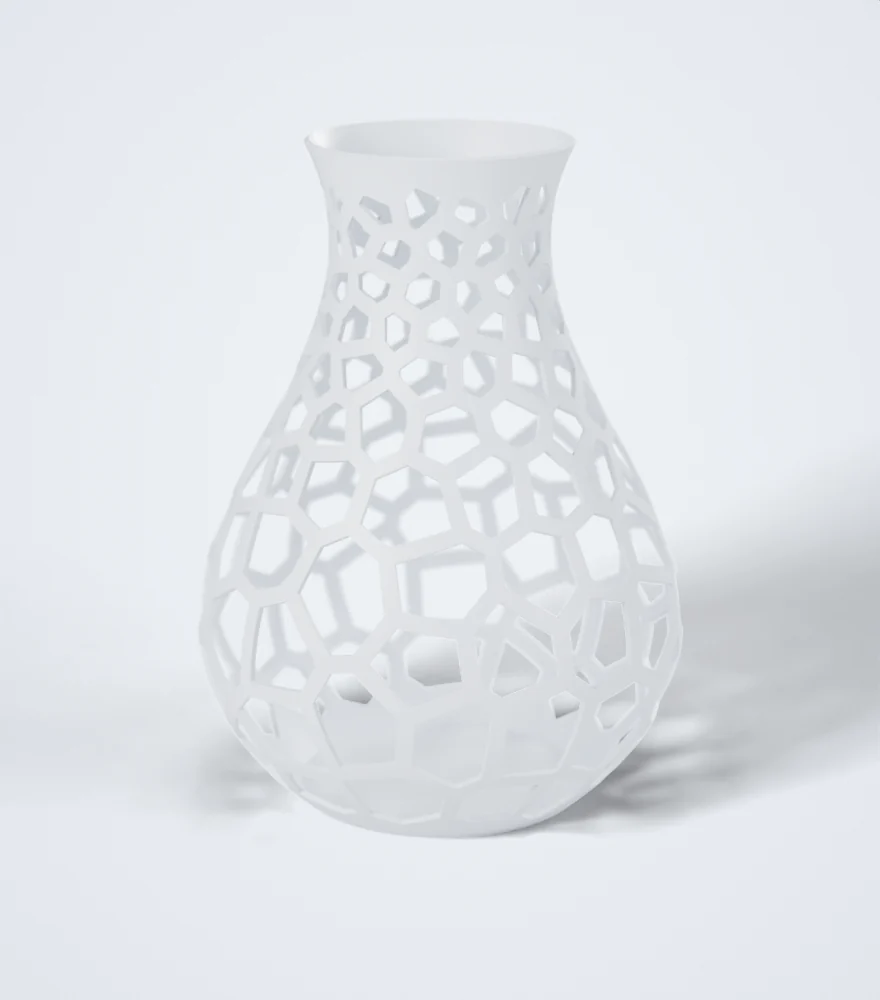
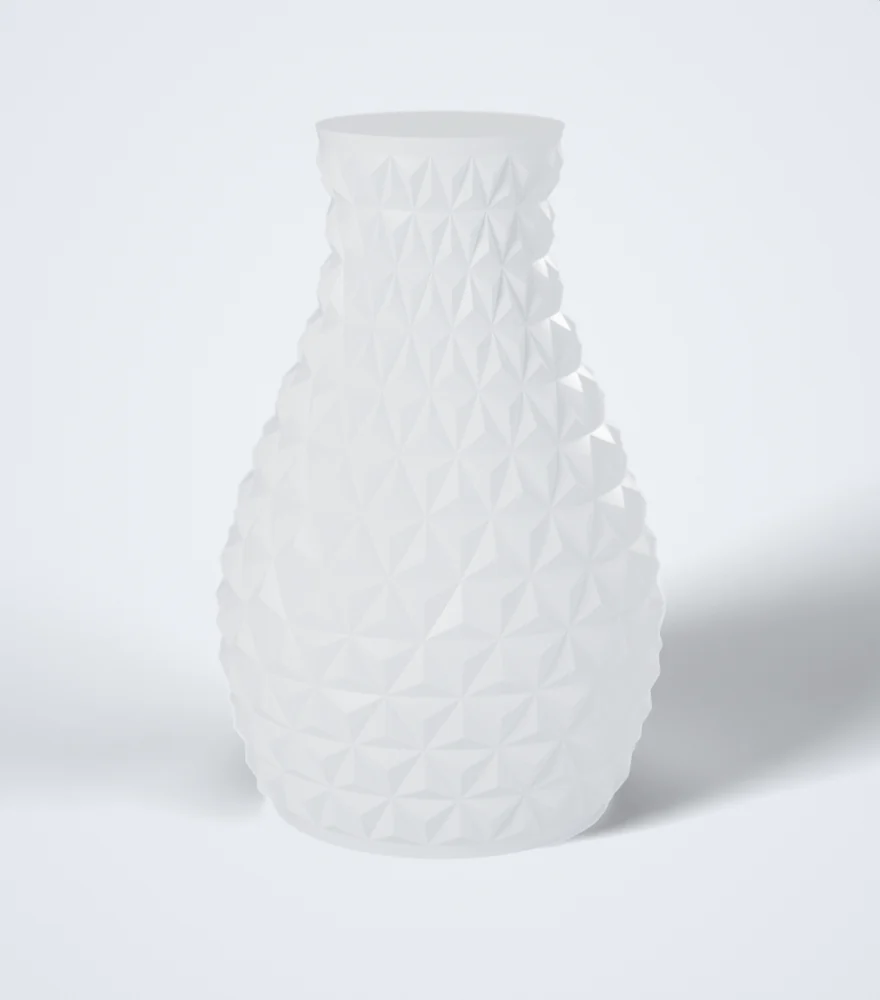
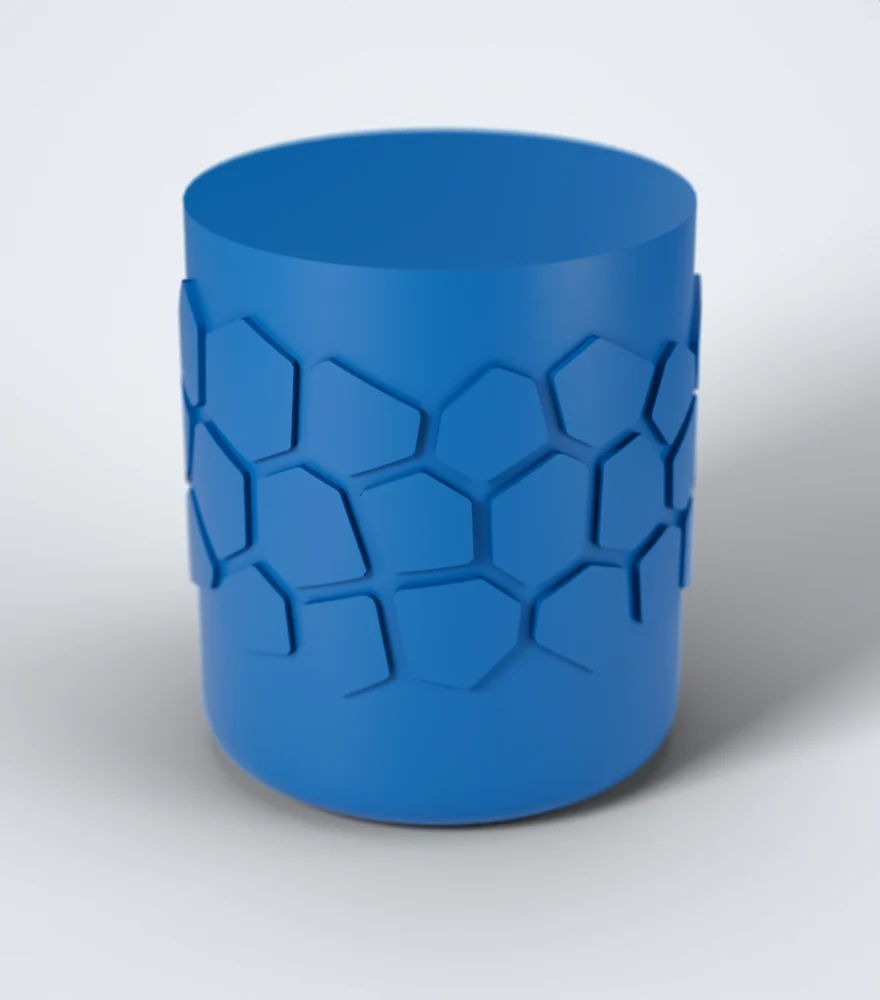
Rendered in Blender from meshes of the parts’ SOLIDWORKS geometry, the features as they were built. Render Export makes such a mesh of your own parts, free.
New · for moulded parts
Draft checked patterns.
A texture that looks right on screen can lock the part in the mould. Pick the mould’s pull directions and a draft angle, and the pattern is built so it comes out: no undercuts, measured on the result.
How it works → Without a pull directionWith the mould’s two halves and 1° draft
Measured on the result: 345 hex cells on a bottle for a mould in two halves, 1° asked. 64 cells were lowered and 45 left flat to keep it; every raised face is green. SOLIDWORKS views, faces coloured by their draft.
Trial
Try everything first. Then keep what you use.
For 14 days every tool of every module works on your own parts. Buy a module or the Suite when you know what you use; the key unlocks the same installation.
Datasheet · system requirements
- OS
- Windows 10 / 11, 64-bit
- SOLIDWORKS
- 2023 or newer
- Documents
- Parts (not assemblies or drawings)
- Internet
- At SOLIDWORKS start (30 days without)
- Licence
- 1 user, one-time purchase per module or for the Suite
The questions SOLIDWORKS users keep asking.
All 22 how-tos →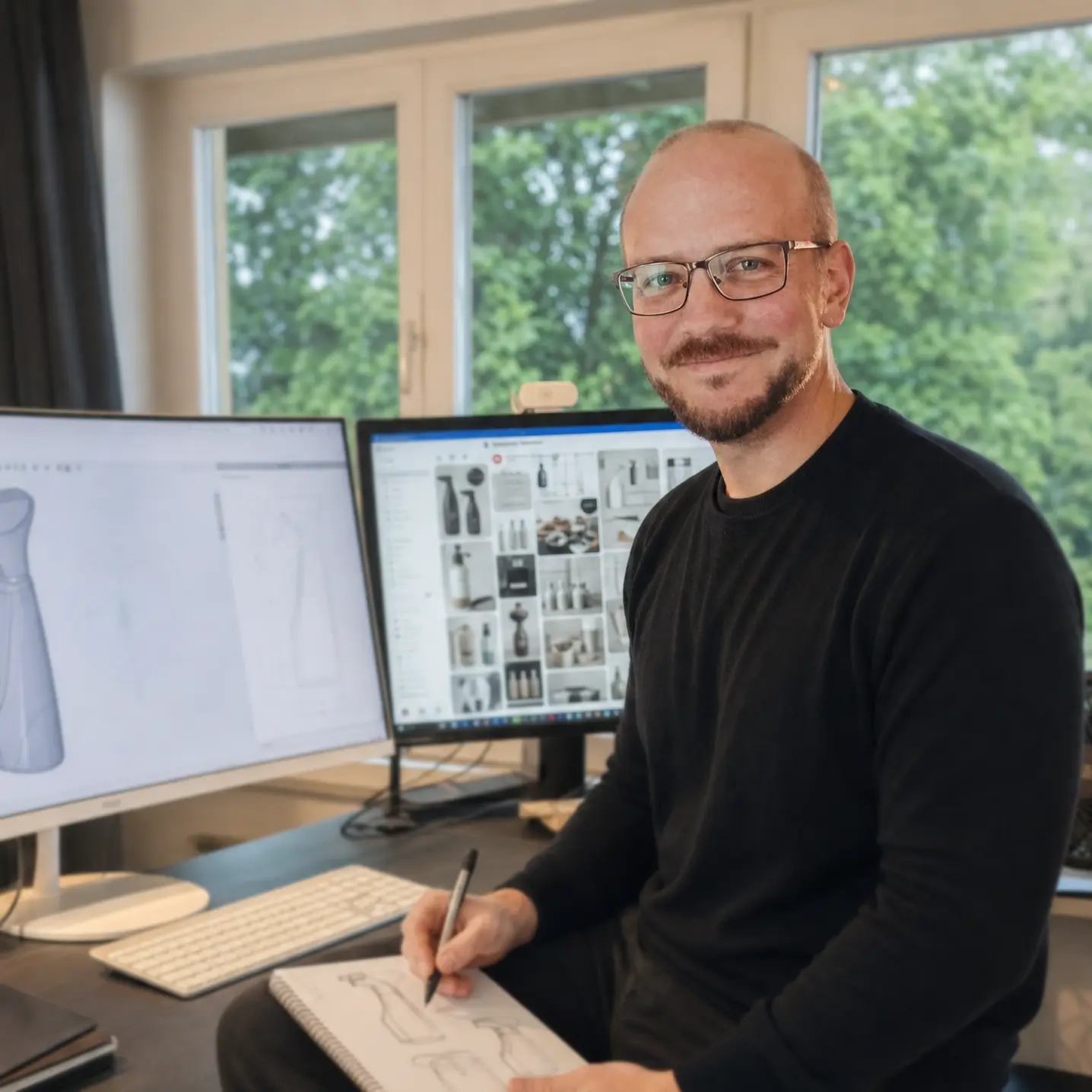
Who makes it
Made by a designer who uses it.
I am Matthias Lange, industrial designer with my own studio since 2004, and I write the suite myself. I use it on client projects, so it keeps being developed: as long as I design, I maintain the tools I design with.
About me and the suite →Before you download.
Patterns, text, studs, textures or facets on faces: Advanced Patterns. Filling holes and corners, flattening and wrapping, checking how faces join: Advanced Surfacing. Sketch blends and arc polygons: Advanced Sketching. All of it: the Suite. The trial unlocks everything, so you can find out on your own parts.
Yes. Pick the mould’s pull directions as reference planes and set a draft angle: Pattern Mapper (emboss, deboss, bodies), Surface Displace and Geometric Surface build their result so it leaves the mould without undercuts. The result is measured after every build, and anything that would not leave the mould is lowered, left out or marked in red.
Yes. Write to support@swplugins.com for an upgrade code. Several module keys also work side by side.
Nothing is removed. Every part keeps rebuilding. Creating and editing features needs a licence for the tool's module; the tools you have no licence for stay visible and say which module they belong to. Render Export keeps working without a key.
With the add-in installed (a free download), the part opens and rebuilds as usual, without a licence and also after the trial. They can change the part and the features follow; only editing the features themselves needs a licence. Without the add-in the part opens with all its geometry, but these features stay as they were saved: they cannot be rebuilt or edited.
SOLIDWORKS 2023 or newer on Windows 10 / 11, 64-bit. Parts only; assemblies and drawings are not supported.